Register your trailer. Activate your warranty.
Set up your BUILT trailer in the Owner Portal in minutes — keep your VIN and purchase details in one place, look up coverage, and file claims when you need to.
Portal address: owner.builttrailers.app
Three steps, online
Register within 30 days of purchase to keep your warranty eligible.
1. Create or sign in
Go to owner.builttrailers.app and create your owner account, or sign in if you already have one.
2. Enter your VIN
Add your trailer's VIN, model, and purchase information so coverage is tied to your trailer.
3. You're covered
Submit and you're registered. View coverage and file claims from your portal anytime.
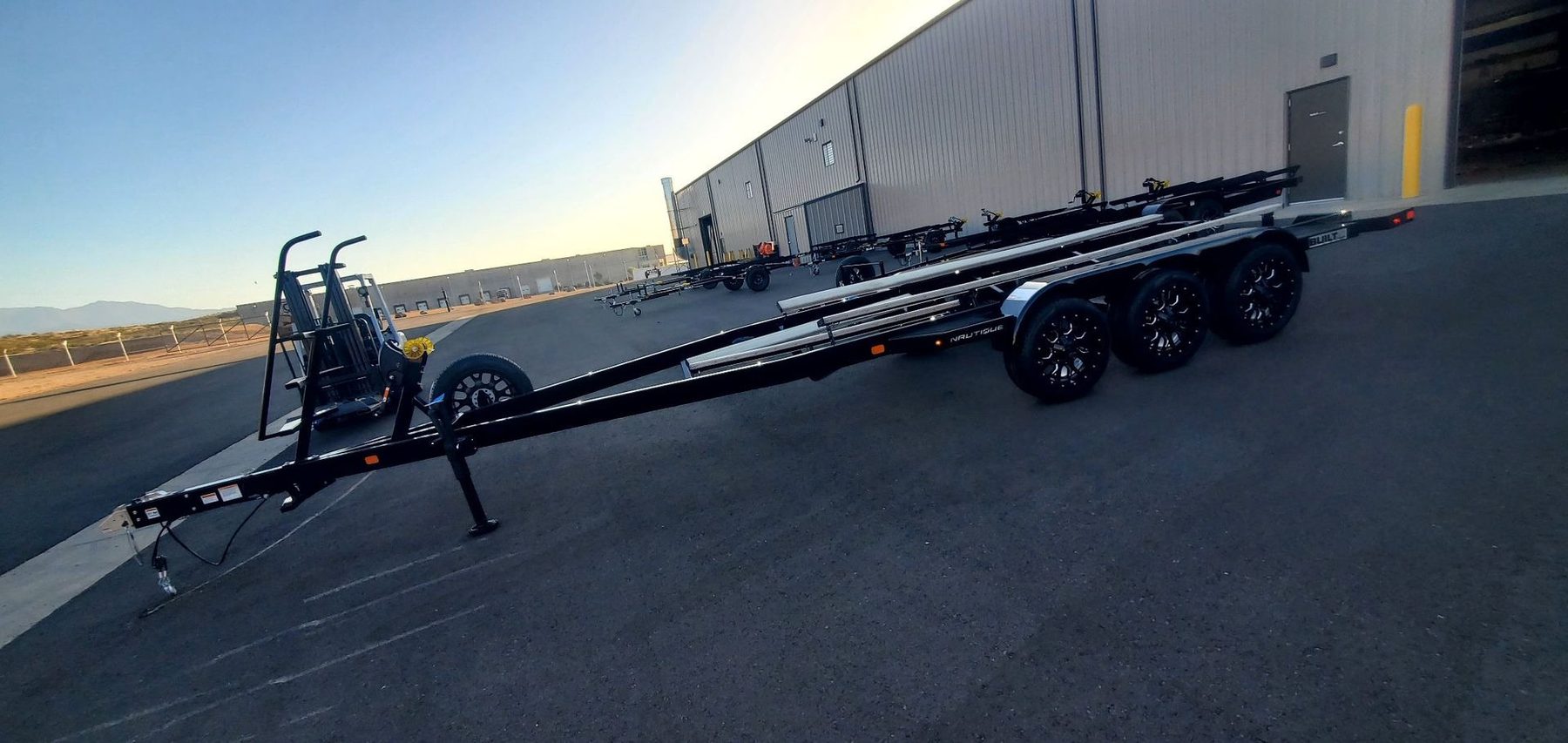
Know exactly what's covered
BUILT trailers carry a 1-year structural warranty on the main frame, neck/tongue, and cross-members, with third-party components covered by their respective manufacturers. Review the full statement and coverage by trailer type before or after you register.
Ready to register?
Activate your warranty and manage your trailer in the BUILT Owner Portal.